Create a Punch Item Template Category at the Company Level
Hintergrund
Kategorien werden verwendet, um Ihre Vorlagen für Mängel in Gruppen zu gruppieren. Sie können z. B. bestimmte Vorlagen in separaten Kategorien für Beton, Mauerwerk, Metalle usw. organisieren.
Things to Consider
Required User Permissions:
'Admin' level permissions on the Company level Admin tool.
Additional Information:
Categories created at the company level are also visible and available in the Project level Admin tool.
Note: In the Project level Admin tool, a key icon appears next to any categories that were created at the company level.Categories created at the project level are specific to that project. They are NOT visible or available in the company's Admin tool. See Create a Punch Item Template Category at the Project Level.
You can also add a punch list template at the project level. See Create a Project Level Punch Item Template.
Schritte
Navigieren Sie zum Admin-Tool auf Unternehmensebene.
Klicken Sie unter "Tool-Einstellungen" auf Mängelliste.
Klicken Sie auf Kategorie erstellen.
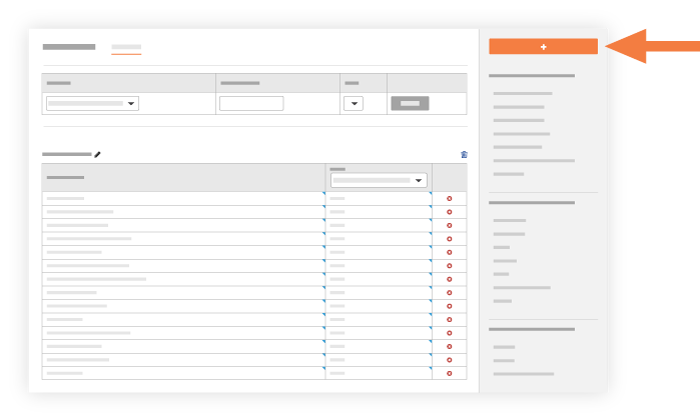
Geben Sie die folgenden Informationen ein:
Name. Geben Sie den Titel der Kategorie ein, die Sie erstellen möchten.
Erstellen. Klicken Sie hier, um die neue Kategorie zu erstellen. Das System fügt die neue Kategorie unten auf der Seite "Konfiguration der Mängellisteneintragsvorlage" hinzu.

See Also
Loading related articles...