Download an Analytics Report
Background
You can download an out-of-the-box Analytics report to use the report as is, view and edit the report, or upload it to the Power BI service or desktop. You can also download a report when you need to upload an updated Analytics report to replace an existing version in your Power BI Workspace.
Things to Consider
Steps
Navigate to the Company level Analytics tool.
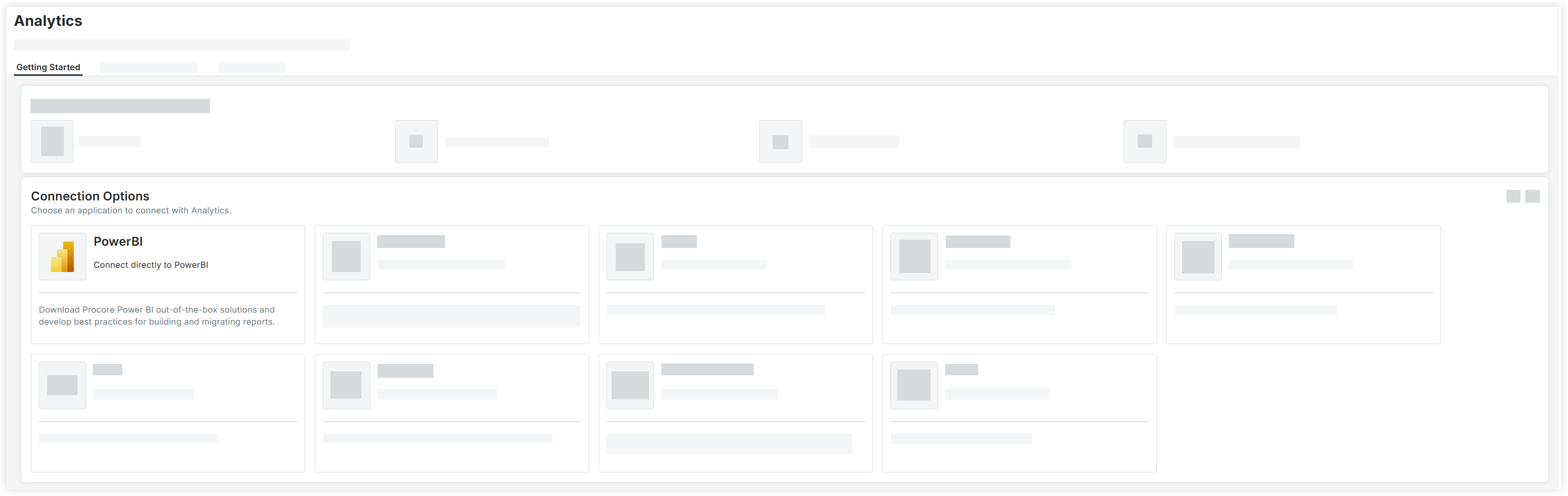
On the Getting Started tab, select PowerBI under Connection Options.
Mark the checkbox next to the out-of-the-box Analytics report.
Scroll to the top of the page and click Download Selection.
See Also
Loading related articles...