Export Cost Catalog Items
Background
When you export items and parts from the Cost Catalog tool in Procore, a Microsoft® Excel file containing the items is downloaded to your computer. Procore also allows for materials to be imported back into the Cost Catalog. See Import Cost Catalog Items.
Things to Consider
Steps
Navigate to the Cost Catalog tool in Procore.
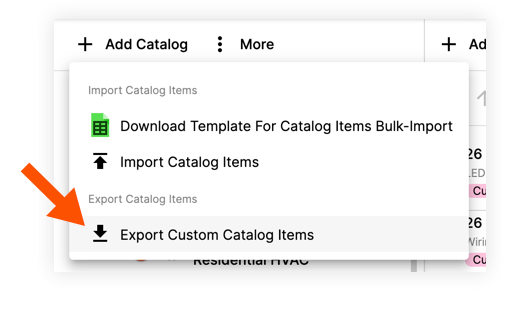
Click the vertical ellipsis
 icon.
icon.Click Export Custom Catalog Items to download an editable Excel file (.xlsx) to your computer.
See Also
Loading related articles...