Add a Contact to your Device (iOS)
Dinge, die Sie beachten sollten
Diese Aktion kann offline durchgeführt werden. Aufgaben, die offline ausgeführt werden, werden mit Procore synchronisiert, sobald eine Netzwerkverbindung wiederhergestellt ist.
Steps
Navigate to your Project level Directory tool using the Procore app on an iOS mobile device.
Tap the contact you want to save to your device.
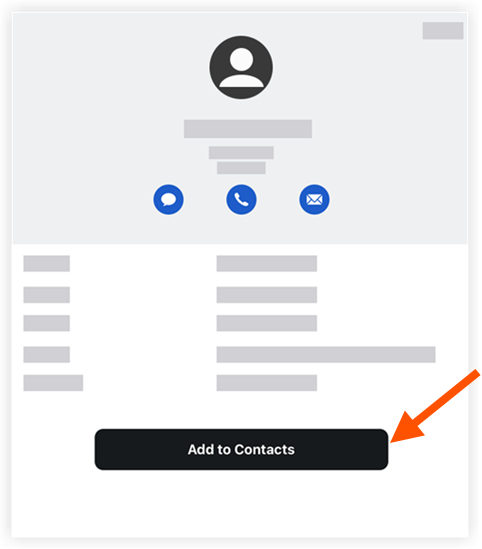
Tap Add to Contacts to save the contact to your mobile device.
See Also
Loading related articles...