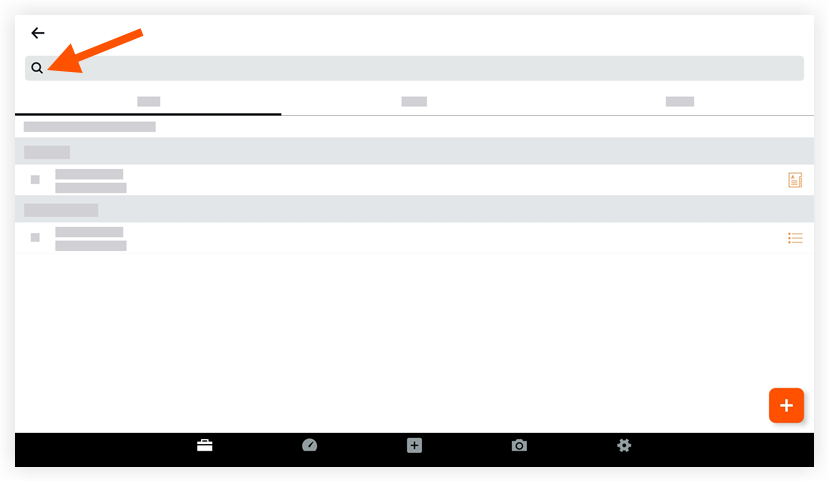
Search for a Meeting (Android)
Things to Consider
Required User Permissions:
'Read Only' level permissions or higher on the project's Meetings tool.
Additional Information:
When NO grouping options are applied, you can search for information in the following fields:Location
Overview
Meeting Title/Name
Date
Series
Note
When grouped by 'Series', only the 'Meeting Series Title' can be searched
Use Procore Search to search for the following fields:
Minutes
Meeting Item Title
Meeting Item Description
Dieses Asset oder Element kann im Offline-Modus angezeigt oder bearbeitet werden, wenn es zuvor auf Ihrem Mobilgerät angezeigt und zwischengespeichert wurde. Aufgaben, die im Offline-Modus ausgeführt werden, werden mit Procore synchronisiert, sobald eine Netzwerkverbindung wiederhergestellt ist.