View My Time Entries (iOS)
Things to Consider
My Time entries on a mobile device will be logged as a time entry in the Daily Log, Company Timecard, and if Timesheets is enabled, Project and Company Timesheets tools.
Dieses Asset oder Element kann im Offline-Modus angezeigt oder bearbeitet werden, wenn es zuvor auf Ihrem Mobilgerät angezeigt und zwischengespeichert wurde. Aufgaben, die im Offline-Modus ausgeführt werden, werden mit Procore synchronisiert, sobald eine Netzwerkverbindung wiederhergestellt ist.
Prerequisites
To see My Time as an option on your project, you must be marked as an employee of your company. See How do I add someone as an employee of my company?
Steps
Navigate to the My Time tool using the Procore app on an iOS mobile device.
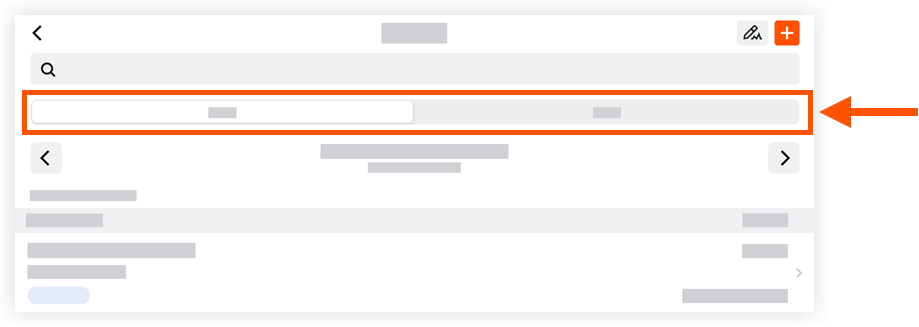
Tap one of the following tabs:
Day: This view displays your My Time entries for the date selected.
Work Week: This view displays your My Time entries for the work week selected.
Locate and tap a time entry to view more details.
See Also
Loading related articles...