Edit an Observation (Android)
Things to Consider
Dieses Asset oder Element kann im Offline-Modus angezeigt oder bearbeitet werden, wenn es zuvor auf Ihrem Mobilgerät angezeigt und zwischengespeichert wurde. Aufgaben, die im Offline-Modus ausgeführt werden, werden mit Procore synchronisiert, sobald eine Netzwerkverbindung wiederhergestellt ist.
Steps
Tap the project you would like to work in on your Android device.
Tap the Observations tool.
Tap the observation you want to edit in the left pane.
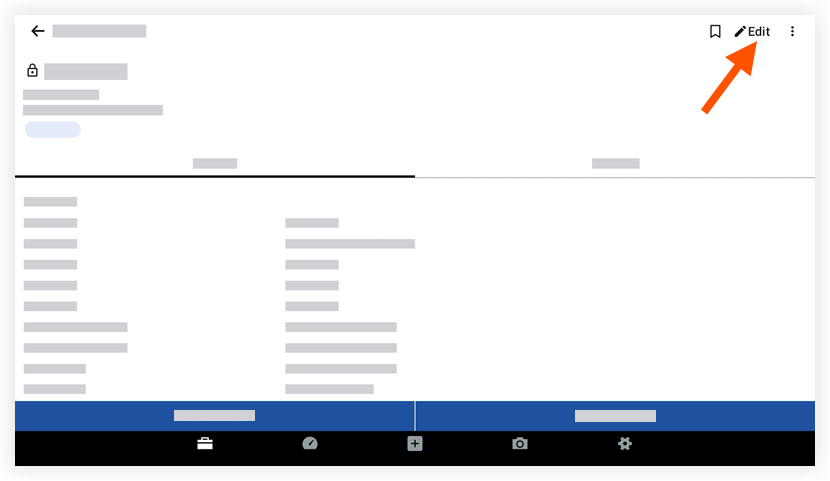
Tap Edit .
Tap to edit the fields to you want to change.
(Note: See Create an Observation for descriptions of each field.)Tap Save.
See Also
Loading related articles...