Create a Photo Album (Android)
Things to Consider
Required User Permissions:
'Standard' or 'Admin' level permissions on the project's Photos tool.
Note: The 'Create Photo Album' granular permission is only supported in the Procore web application. It is not supported on the Procore mobile apps.
Additional Information:
Diese Aktion kann offline durchgeführt werden. Aufgaben, die offline ausgeführt werden, werden mit Procore synchronisiert, sobald eine Netzwerkverbindung wiederhergestellt ist.
Steps
Navigate to the project's Photos tool using the Procore app on an Android mobile device.
Tap the Albums tab.
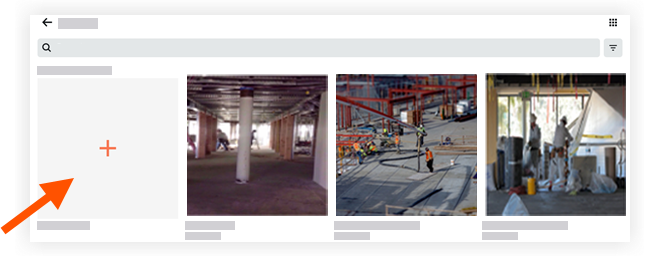
Tap Create New Album.
Enter in a title for the new album.
Tap Done.
The album is created and appears in the Albums view.
See Also
Loading related articles...