Search for Specifications (Android)
Things to Consider
Required User Permissions: 'Read Only' level permissions or higher on the project's Specifications tool.
Dieses Asset oder Element kann im Offline-Modus angezeigt oder bearbeitet werden, wenn es zuvor auf Ihrem Mobilgerät angezeigt und zwischengespeichert wurde. Aufgaben, die im Offline-Modus ausgeführt werden, werden mit Procore synchronisiert, sobald eine Netzwerkverbindung wiederhergestellt ist.
Steps
Navigate to the Specifications tool from your Android device.
Search for a division
Tap Search
 .
.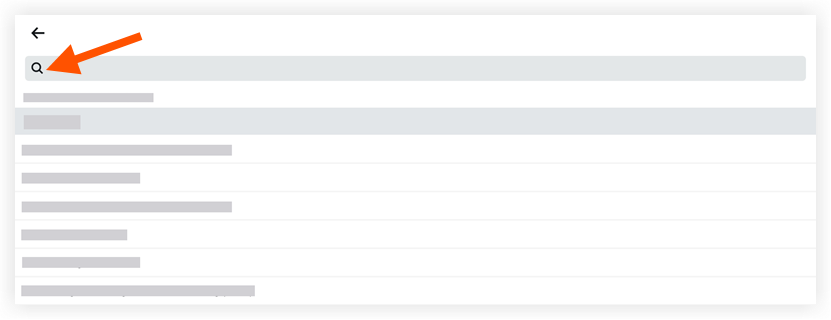
Type a keyword or phrase into the search bar.
Tap the division to view its specification sections.
Search for a section within a division
Tap the division you for which you want to search specification sections.
Tap Search
.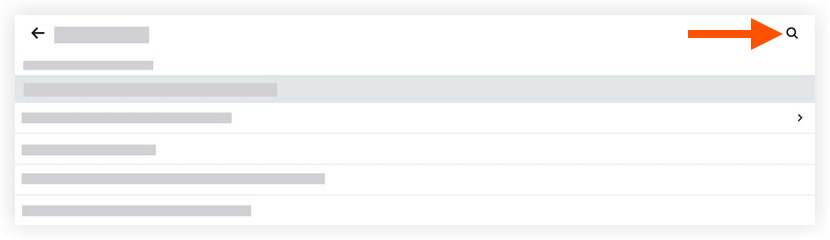
Type a keyword or phrase into the search bar.
Tap a specification section to view its details.
See Also
Loading related articles...