Delete a Specification Area
Things to Consider
Additional Information:
Ensure to delete the specification section revisions before deleting a specification area. See Delete Specification Section Revisions.
Steps
Navigate to your project's Specifications tool.
Locate the specification area you want to delete.
Click the vertical ellipsis
 icon.
icon.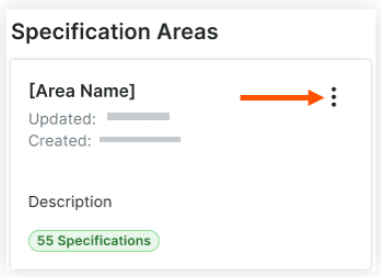
Click Delete and confirm.
Note: The delete action is only available if there are no specifications in the specification area.

See Also
Loading related articles...