Add a Comment to a Coordination Issue (iOS)
Things to Consider
Required User Permissions:
To add a comment to a coordination issue, 'Read Only' level permissions or higher on the project's Coordination Issues tool.
Note: Users can only edit or delete their own comments.
Additional Information:
If you are working in offline mode, the comment on the coordination issue will be uploaded when a network connection is reestablished.
The coordination issue will sync to the Coordination Issues tool and the Procore plugin in Navisworks®.
Steps
Navigate to the Coordination Issues tool using the Procore app on an iOS mobile device.
Tap the coordination issue you want to edit.
Note: To search or filter for a specific coordination issue, see Search for and Filter Coordination Issues (iOS).At the bottom of the coordination issue, tap Add Comment.
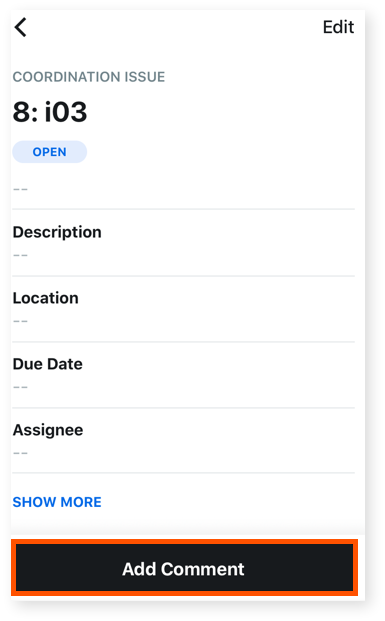
Enter your comment in the text box.
Optional: Tap one of the following options:
Camera : Tap this option to take and add a photo to the comment.
Library
 : Add one or more photos from your library to your comment.
Tap Send.
See Also
Loading related articles...