Edit a Site team (iOS)
Things to Consider
This action can be performed offline. Tasks performed offline sync with Procore once a network connection is reestablished.
Steps
Navigate to the project's Site teams tool using the Procore app on an iOS mobile device.
Tap the site team you want to edit.
Tap Edit.
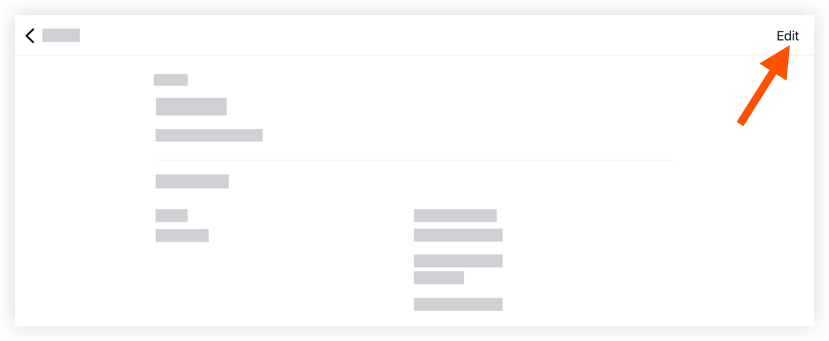
Tap into the following fields to edit the appropriate information:
Site team Name: Tap the field to edit the name of the site team.
Site team Lead: Tap the field to edit the site team's lead.
Site team Members: Tap the field to edit the site team's team members.
Tap Save.
See Also
Loading related articles...