Search for a Worker
Things to Consider
Steps
Navigate to the project's Site teams tool.
Click the Workers tab.
Type a name in the Search field.
The search query's scope includes the following fields:First Name
Last Name
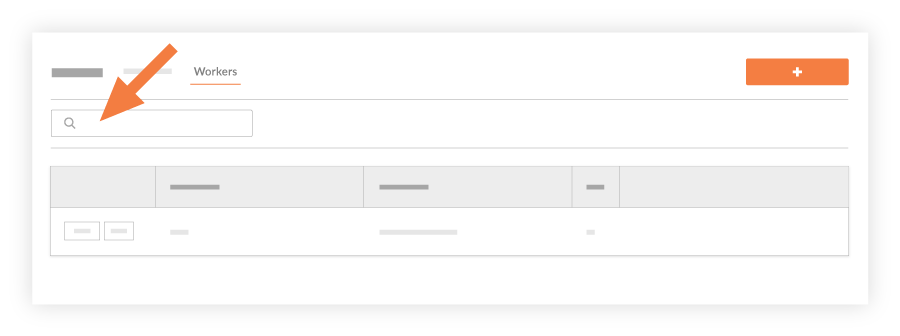
Click the magnifying glass icon or Enter on your keyboard to initiate the search.
See Also
Loading related articles...