View a Site team
Things to Consider
Steps
Navigate to the project's Site teams tool.
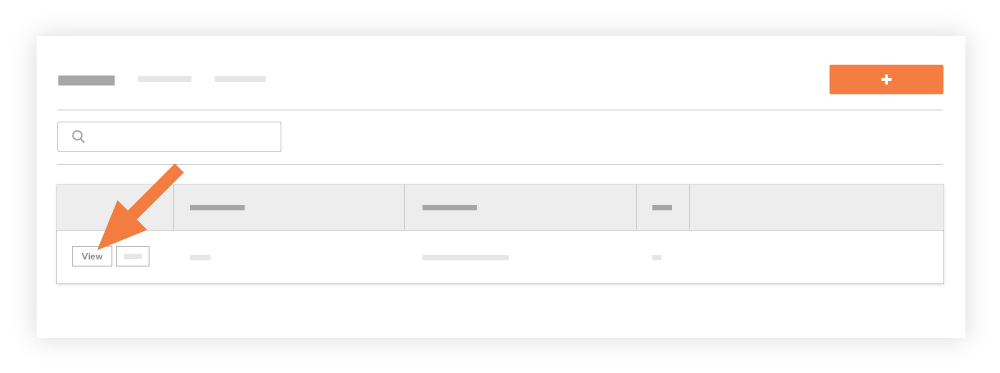
Locate the site team in the list. Then click View.
This reveals a View Site team window showing all of the site team's information.
See Also
Loading related articles...