Filter Drawing Markups (Android)
Things to Consider
Required User Permissions:
'Read Only' level permissions or higher on the project's Drawings tool.
Steps
Navigate to the project's Drawings tool on your Android device.
Tap the drawing you would like to view.
Tap Filters.
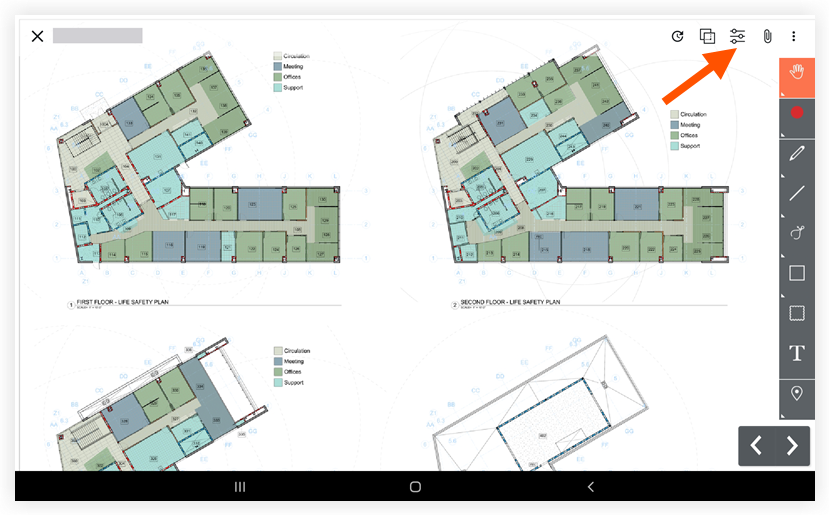
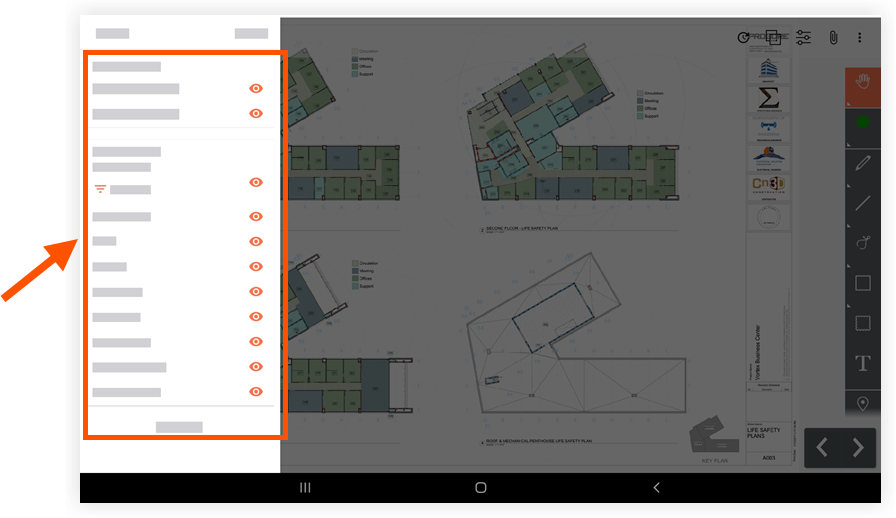
Select which type of markup or layer you want to view by tapping the eye icons.
Blue eye icons
 indicate the markup is visible.
Gray eye icons indicate the markup is not visible.
See Also
Loading related articles...