Delete a Project Level Form (iOS)
Things to Consider
Required User Permissions:
'Admin' level permissions on the project's Forms tool.
Additional Information:
Deleting a form will remove the file from the Forms tool list page.
Any forms that you delete at the Project level will be sent to the Recycle Bin of the project's Forms tool. See Retrieve a Project Level Form from the Recycle Bin.
Steps
Navigate to the project's Forms tool using the Procore app on an iOS mobile device.
Tap the form that you want to delete.
Tap Menu.
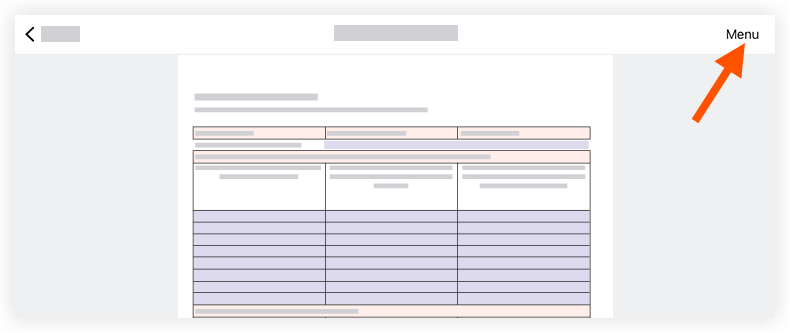
Tap Delete.
In the 'Delete This Form?' confirmation window, tap Delete.
Note: This action automatically deletes the form. Forms are not permanently deleted, and they can be retrieved from the Recycle Bin. See Retrieve a Project Level Form from the Recycle Bin.
See Also
Loading related articles...