Download Items from the Map
Things to Consider
Required User Permissions for Project Map
Required User Permissions for General Maps
Steps
Download an Individual Item
Download Multiple Items
Download an Individual Item
Navigate to the tool's map.
If using the Project Map, select a tool and the list
 icon.
icon.Click the item name or the item on the map.
Click the vertical ellipsis
 and select Download.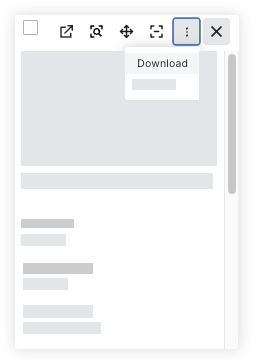
Download Multiple Items
Navigate to the tool's map.
If using the Project Map, select a tool and the list
icon.Select the items
Mark the checkboxes for the items you want to download.
Tap and hold command or control on your keyboard and click the items on the map.
Click Bulk Actions and select Download.
See Also
Loading related articles...