Add a Classification

Background

Classifications help you categorize employees on a project. You can create a custom list in the Company Admin tool to fit your business needs. Once created, they can be enabled on projects for use in Procore's Resource Tracking tools.

Examples
  • You might want your classifications to reflect roles in the building trades, such as Bricklayer, Electrician, and so on.

  • You might want your classifications to reflect a rank in a trade, such as Apprentice, Journeyman, and so on.
Things to Consider

Prerequisites

  • To create and manage classifications, the following Procore Resource Tracking tools under 'Resource Management' must be enabled:

    • Timesheets and Crews (See Add and Remove Project Tools)

Steps

  1. Navigate to the Company level Admin tool.

  2. Under 'Company Settings', click Classifications.

  3. Complete the following:

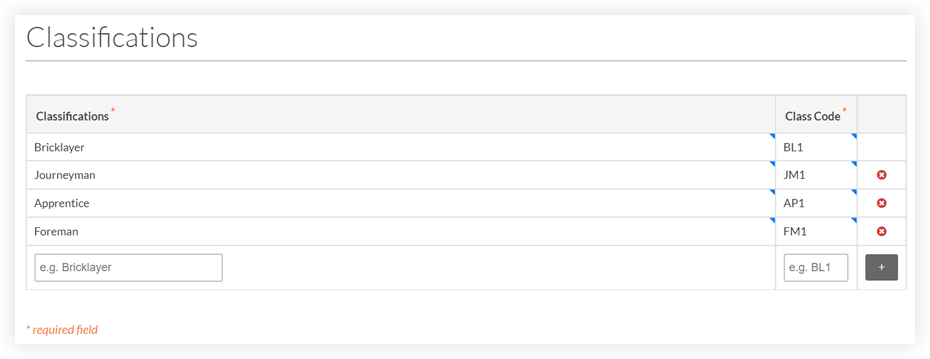
    • Classifications: Enter a name for the new classification.

    • Class Code: Enter a wage code, class code, or craft code that matches the wage rates in your payroll system.
      Add Classification Company Admin Settings

  4. Click the Add Icon Add icon to add the new classification to the list.

     Notes

Next Steps

See Also

Loading related articles...