Delete Task Categories
Things to Consider
Required User Permission: 'Admin' level permission on the company's Admin tool.
Steps
Navigate to the company level Admin tool.
This reveals the Company Settings page.Under "Tool Settings," click Task.
Click Delete
 next to the category name you want to remove.
Note: a gray 'x' indicates that the category cannot be removed because it is currently in use.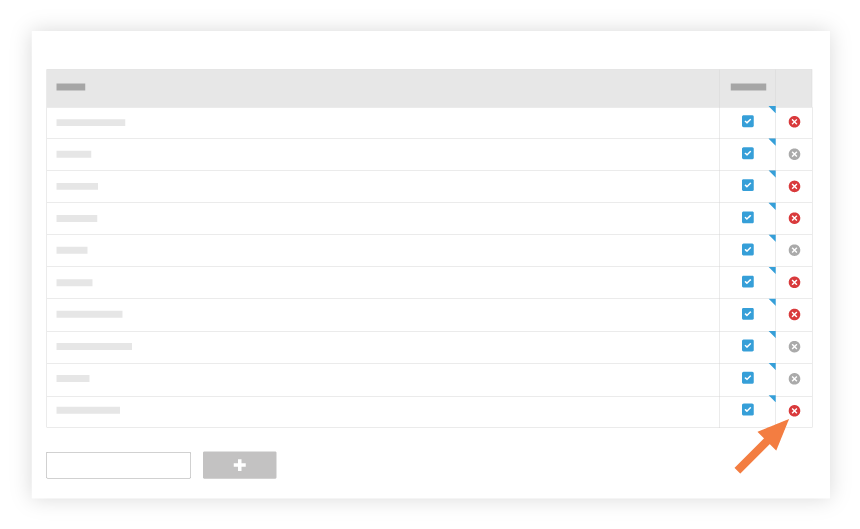
Tap OK to confirm your decision to delete the category.
Your changes are automatically saved.
See Also
Loading related articles...