Mark a Task Category as Inactive
Things to Consider
Required User Permission: 'Admin' level permission on the company's Admin tool.
Steps
Navigate to the company level Admin tool.
This reveals the Company Settings page.Under "Tool Settings," click Tasks.
Mark the checkbox (
 ) next to the category name you want to remove.
Your changes are automatically saved.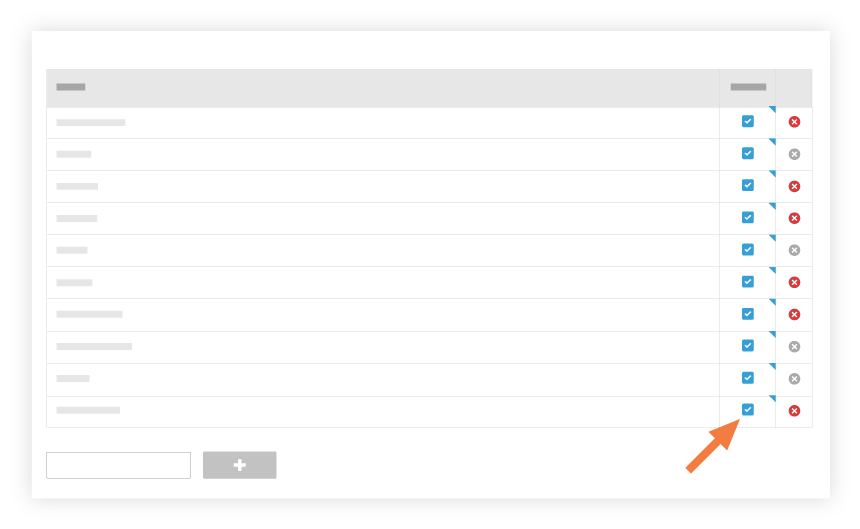
See Also
Loading related articles...