Create a Crew
Background
Laborers on job sites are managed into groups called crews so they can be more easily organized. Each crew consists of workers who perform one or more scope of work (such as a crew of concrete workers) and is lead by a Crew Lead, or Foreman, who is responsible for the crew’s work.
Things to Consider
Each crew requires a
To create a crew, you must select one employee as the crew lead and at least one employee or worker as a crew member.
Prerequisites
Add the employees you want on the crew. See Add a User Account to the Project Directory.
Add the workers you want on the crew. See Add a Worker.
Steps
Navigate to the project's Crews tool.
Click +Create. Then select Create Crew from the drop-down menu.
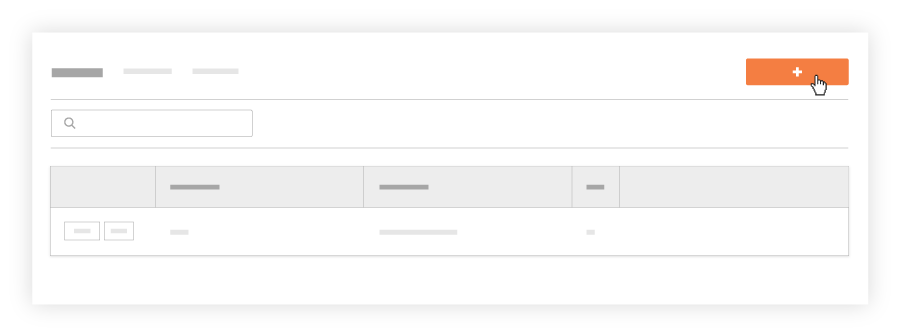
In the 'Select Crew Members and Crew Lead' window, do the following:
Mark the checkbox(es) next to each employee and worker that you want on the crew. You can select multiple crew members.
Note
If you want Employee IDs to appear under employee and worker names, you must enter it as described above in Prerequisites.
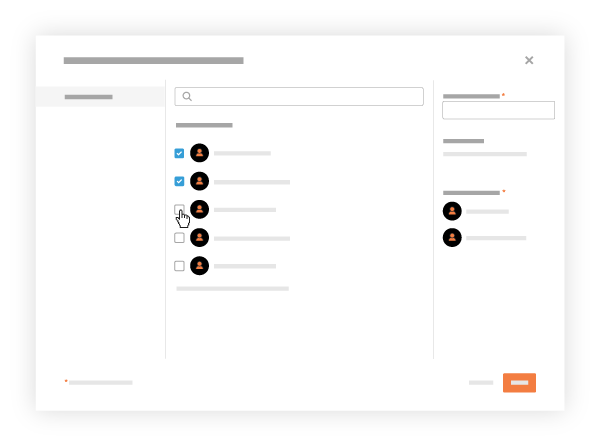
Optional: Mark the checkbox that corresponds to one (1) employee who will be the crew lead. Then click Set as Crew Lead. 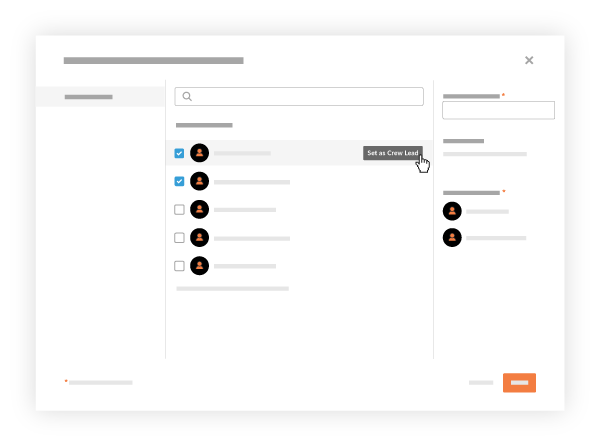
Enter the crew's name in the Name Your Crew box. You must name the crew.
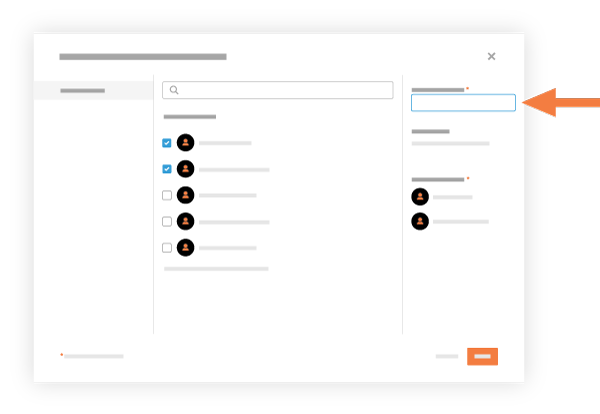
Click Create.
Procore adds the new crew to the Crews List.