Edit a Crew
Things to Consider
Steps
Navigate to the project’s Crews tool.
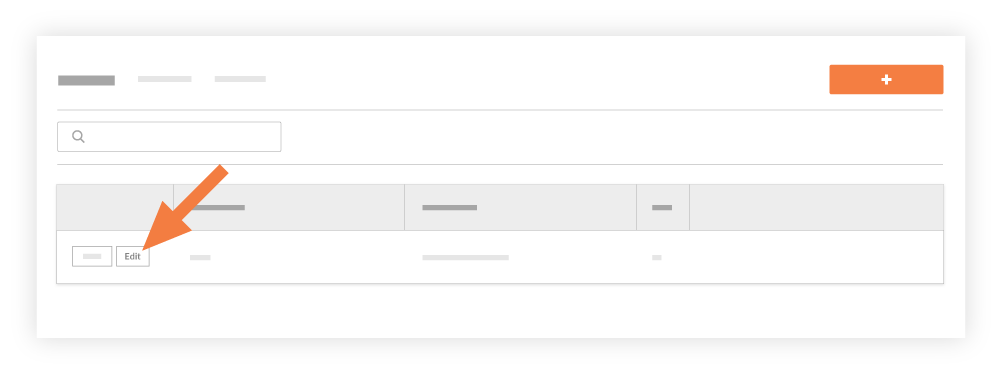
Locate the crew you want to modify in the 'Crew List'.
Click Edit.
Modify the crew information in the 'Edit Crew Members and Crew Lead' window.
Click Save.
See Also
Loading related articles...