Delete Project Level Observation Types
Things to Consider
Additional Information:
Observation types that are currently in use cannot be deleted.
Observation types created at the Company Level are indicated by a key icon (
 ); these types cannot be deleted.
Prerequisites
Steps
Navigate to the project's Observations tool.
Click the Configure Settings
 .
.Click Observation Types.
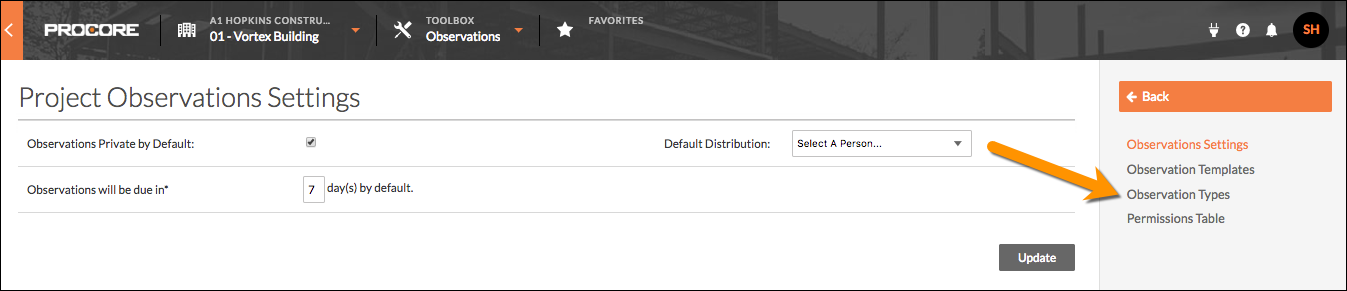
Navigate to the observation type you want to delete.
Note: Observation types created at the Company Level are indicated by a key icon ; these types cannot be deleted.
Click the type's red 'x'
 to delete it from the project.
Note: a gray 'x' indicates that the type is currently in use and cannot be deleted.
See Also
Loading related articles...