Edit Project Level Observation Types
Things to Consider
Additional Information:
Observation types that are currently in use cannot be edited.
Observation types created at the Company Level are indicated by a key icon (
 ). Any changes made to a project level observation type will not affect Company level observation types.
Steps
Navigate to the project's Observations tool.
Click the Configure Settings
 .
.Click Observation Types.
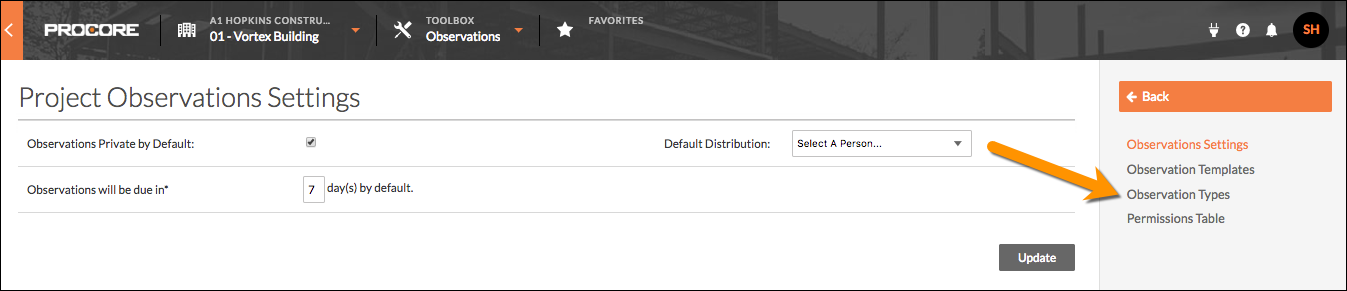
Edit the Name of an Observation Type
Click the type name you want to edit.
Note: Only types created at the Project level are editable. Observation types created at the Company Level are not editable; these types are indicated by a key icon ().Enter the desired name.
Click out of the text box to automatically save your changes.
Deactivate an Observation Type
Navigate to the observation type you want to deactivate.
In the 'Active' column, click the type's corresponding checkbox to remove its checkmark.
Note: This action removes the type as an available option when creating new observations.
See Also
Loading related articles...