Add a Comment to a Photo (Android)
Things to Consider
Required User Permissions:
'Standard' or 'Admin' level permissions on the project's Photos tool.
Steps
Navigate to the project's Photos tool using the Procore app on an Android mobile device.
In the Feed
 view, tap Add a Comment under the photo that you want to add a comment to.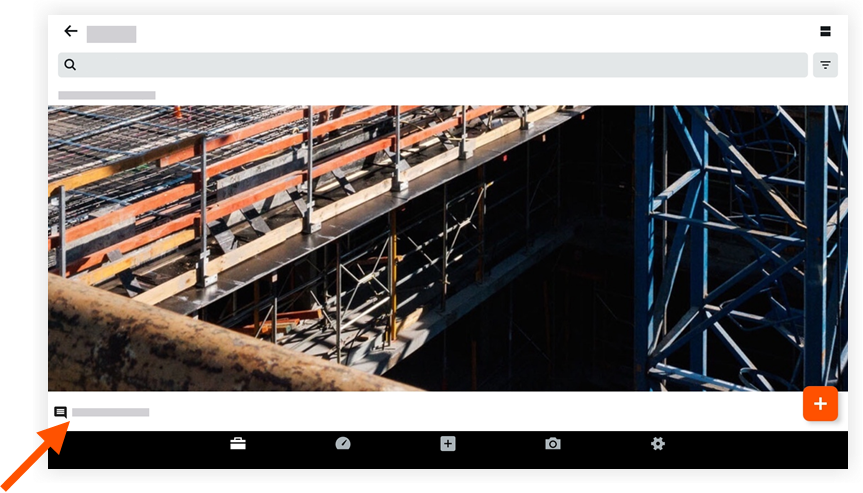
Enter your comment.
Tap Send.
The comment will automatically appear under the photo in the photos feed.
See Also
Loading related articles...