Add Project Notes
Things to Consider
Required User Permissions:
'Admin' level permissions on the company's Portfolio tool.
Additional Information:
This task can also be completed by users with the appropriate permissions on the project's Home page or in the Project level Admin tool. See Configure Advanced Settings: Project Home or Configure Settings: Project Admin.
A project's notes are viewable in the company's Portfolio tool by anyone who has access to the project.
Steps
Navigate to the company's Portfolio tool.
Click the Projects tab.
Click the list
 icon.
icon.Click into the editable field in the Notes column for the relevant project.
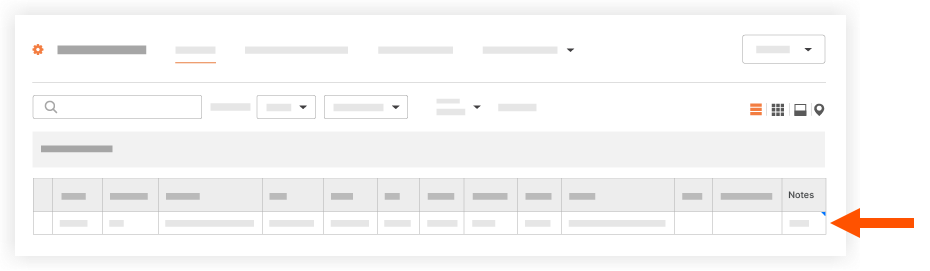
Click anywhere on the screen outside of the field. Your changes are saved automatically.
See Also
Loading related articles...