Create a Prime Contract in Procore Estimating
Things to Consider
Required User Permissions:
'Admin' level permissions to the project's Estimating AND Budget tools.
Additional Information:
The estimate has to be sent to the budget before you can create a prime contract.
Steps
Log in to Procore Estimating and select the relevant project.
Click the Estimating tab.
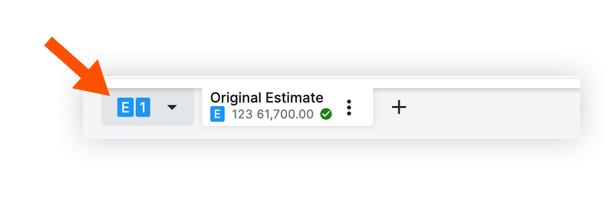
Select the estimate.
Click the Actions menu.
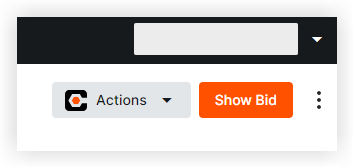
Select Create Prime Contract.
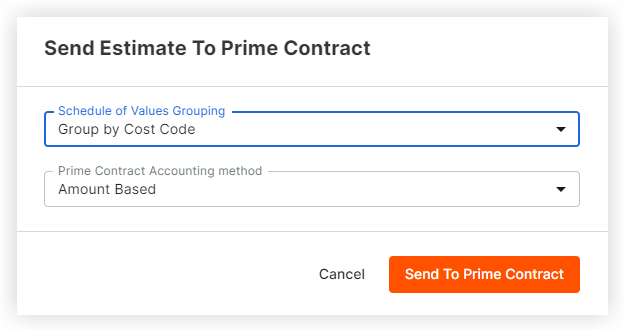
Choose grouping and accounting options.
Click Send to Prime Contract.
See Also
Loading related articles...