Delete a Company Single Tool Report
Things to Consider
Required User Permissions:
'Admin' level permissions on the Company 360 Reporting tool.
Additional Information:
Users with 'Admin' permissions can delete all reports.
Non-admins can only delete the reports they create.
Steps
Navigate to the Company 360 Reporting tool.
Click the report name.
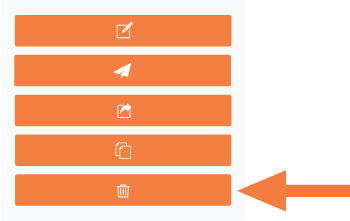
Click Delete in the right pane.
In the confirmation message, click OK.
See Also
Loading related articles...