Generate and print Quick Response Codes for locations
Background
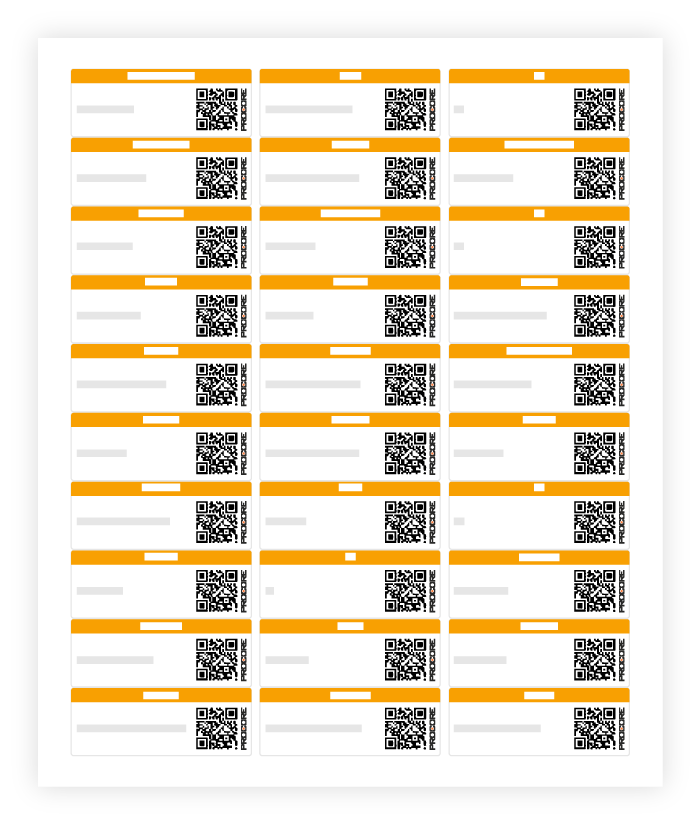
You can generate and print a Quick Response Code for a location. In Procore, a location Quick Response Code is a two-dimensional, machine-readable barcode that contains information about the location to which it is attached.
Users in the field can scan the QR code using the Procore Mobile App to either filter by the location identified in the QR code or create an item in Procore with that location linked.
Things to Consider
Required User Permissions:
'Admin' level permission on the Project level admin tool.
OR'Read Only' or 'Standard' level permission with the 'Manage location' granular permission enabled on the project admin tool. See Grant granular permissions in a permission template.
Compatible print formats:
Avery™ 6460
A QR code scanner app will not recognise these QR codes. You must scan the QR code with one of Procore's mobile apps to either filter by the location identified in the QR code or create an item in Procore with that location linked.