Manually create location hierarchy
Background
Locations give you the ability to link different Procore items (RFIs, submittals and more) to specific locations on a job site. This helps project team members to identify the exact location on a job site where a defect was observed, where materials are to be installed or where a project variation occurred.
Locations are generally tiered in a hierarchy to associate parent and sub-locations.
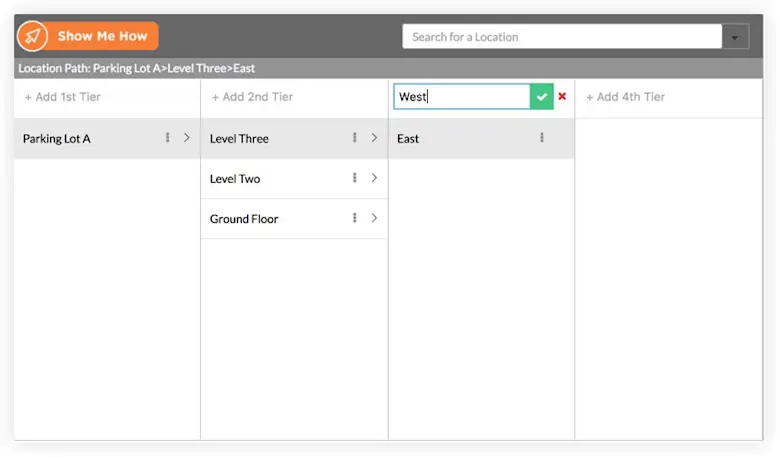
Let's say your project includes the construction of a parking lot. You might use a location structure like this:
Parking Lot A > ground floor > EastParking Lot A > ground floor > WestParking Lot A > Level Two > EastParking Lot A > Level Two > West
Below are the steps to manually create location.
You can also Generate a locations hierarchy from drawings from architectural drawings or import locations: