Respond to a Correspondence Item (iOS)
Things to Consider
Required User Permissions: To see a list of actions allowed based on permission level, see the Permissions Matrix - Correspondence.
Steps
Navigate to the project's Correspondence tool using the Procore app on an iOS mobile device.
Tap the correspondence item you want to respond to.
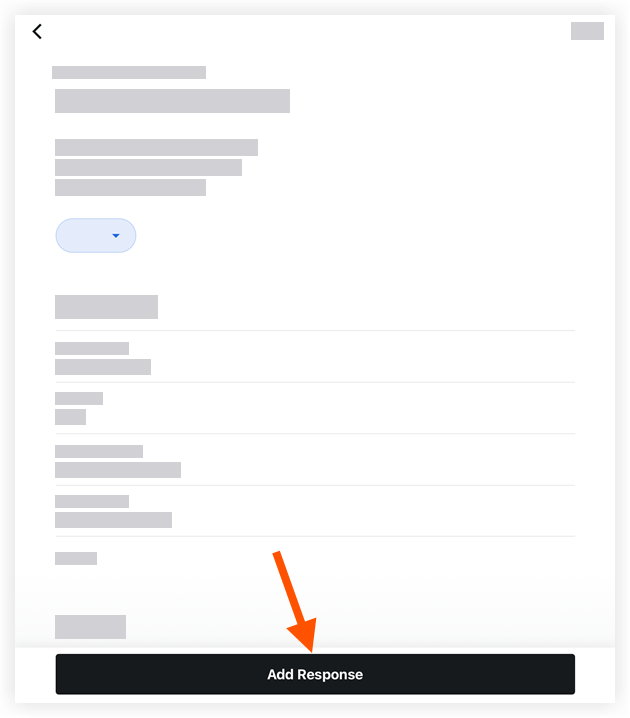
Tap Add Response.
Enter your response.
Optional: Attach one or more files to the correspondence using the following options.
Camera: Tap to open your device's camera and take a photo.
 Library : Tap to select an image from your device's library.
Files: Tap to select a saved file from your device's files.
Tap Send to add your response to the correspondence item.
Optional: In the Activity section, tap the Mark as Official Response toggle to mark the response as official.
See Also
Loading related articles...