Edit a My Time Entry (iOS)
Things to Consider
Procore automatically syncs your My Time entries across the Daily Log, Company Timecard, Project and Company Timesheets tools.
This asset or item can be viewed or edited in offline mode if it was previously viewed and cached on your mobile device. Tasks performed in offline mode sync with Procore once a network connection is reestablished.
Prerequisites
To see My Time as an option on your project, you must be marked as an employee of your company. See How do I add someone as an employee of my company?
Steps
Navigate to the project's My Time tool using the Procore app on an iOS mobile device.
Locate the timecard entry you would like to edit.
Optional: Search for and Filter My Time Entries.
Tap the timecard entry.
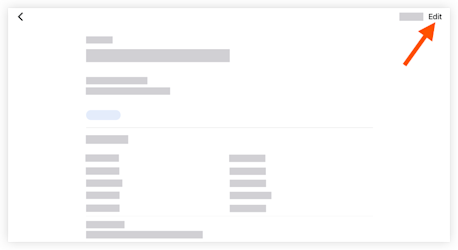
Tap Edit.
Tap a field to update the information.
Tap Save.
See Also
Loading related articles...