Mention Someone in a Photo Comment (iOS)
Things to Consider
Required User Permissions:
To mention someone on a photo, 'Standard' or 'Admin' permissions on the project's Photos tool.
To be mentioned on a public photo, 'Read only' or higher permissions on the project's Photos tool.
To be mentioned on a private photo, 'Admin' level permissions on the project's Photos tool.
Additional Information:
When a user is mentioned on a photo, they will receive an email notification informing them that they have been mentioned. If the user has enabled push notifications for this feature, they will receive a push notification on their mobile device instead of an email.
Steps
Navigate to the project's Photos tool using the Procore app on an iOS mobile device.
Tap the ellipsis
 and select Feed View
  .
.Tap the comment
 icon under the photo.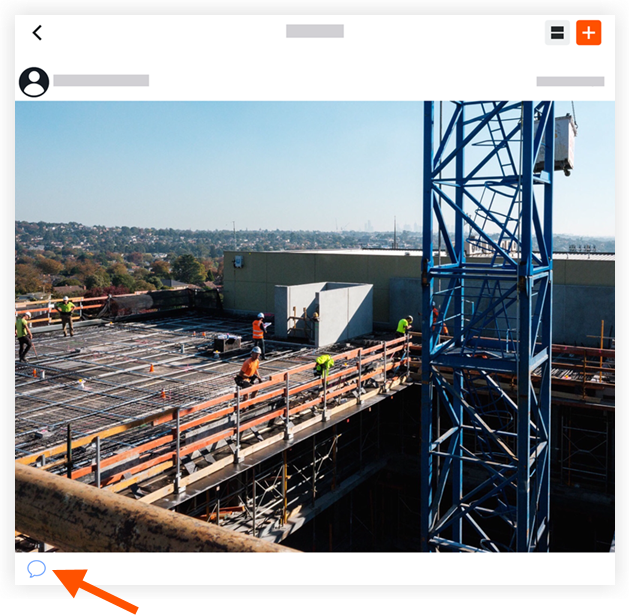
Enter the comment.
Optional: Enter or tap @ to mention a team member.
Tap Send.
See Also
Loading related articles...