Mark an album as private
Things to Consider
Required User Permissions:
'Admin' permission on the Photos tool.
Additional Information:
When new photos are uploaded to the album or existing photos are moved to a 'Private' album, they also become 'Private.'
Photos in a private album cannot be marked as public individually. However, photos in a public album can be marked as private individually.
See Mark a photo as private.
Steps
Navigate to your project's Photos tool.
Click the Album view.
Click the album that you want to make private.
Mark the tickbox next to "Private Album" on the right of the screen.
Note: Changes are automatically saved upon click.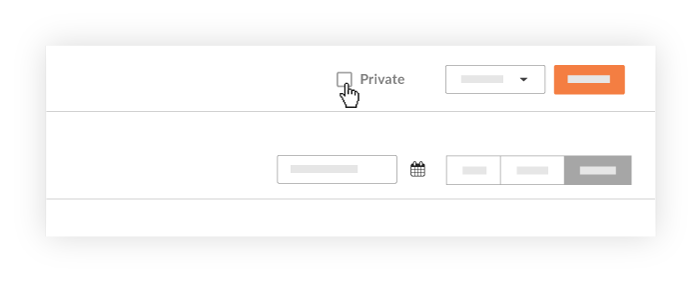
See Also
Loading related articles...