Email items from the map
Things to Consider
Required User Permissions for Project Map
Required User Permissions for General Maps
Steps
Email an individual photo
Email multiple photos
Email an individual photo
Navigate to the tool's map.
If using the Project Map, select a tool and the list
 icon.
Click the item name or the item on the map.
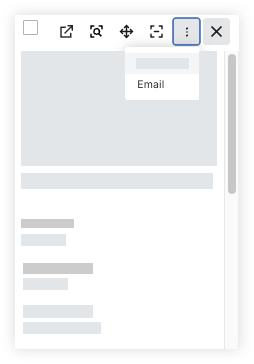
Click the vertical ellipsis
 and select Email.
Enter the email information.
Click Send.
Email multiple photos
Navigate to the tool's map.
If using the Project Map, select a tool and the list
icon.Select the item.
Mark the tickboxes for the items you want to email.
Tap and hold command or control on your keyboard and click the item on the map.
Click Bulk actions and select Email.
Enter the email information.
Click Send.
See Also
Loading related articles...