View the payment tool

 General availability in select markets (United States)

Flag Us Procore Pay is available in the United States. It is designed for main contractors and owner-builders who act as their own main contractors on a job. Procore Pay extends the payment application management functionality in the Procore web application to handle the payment process between main and specialty contractors.
Background

Procore Pay provides your company's users with and permissions with the tools they need to manage all aspects of the payment application payment process between the and . The company payment tool works with Procore payment application management to reduce payment friction, automate the exchange of and ensure that all your outgoing payment application payments satisfy your organisation's .

Payments Tool Overview

Things to Consider

Prerequisites

Key features

The payment tool contains these features:

  • Payment setting page

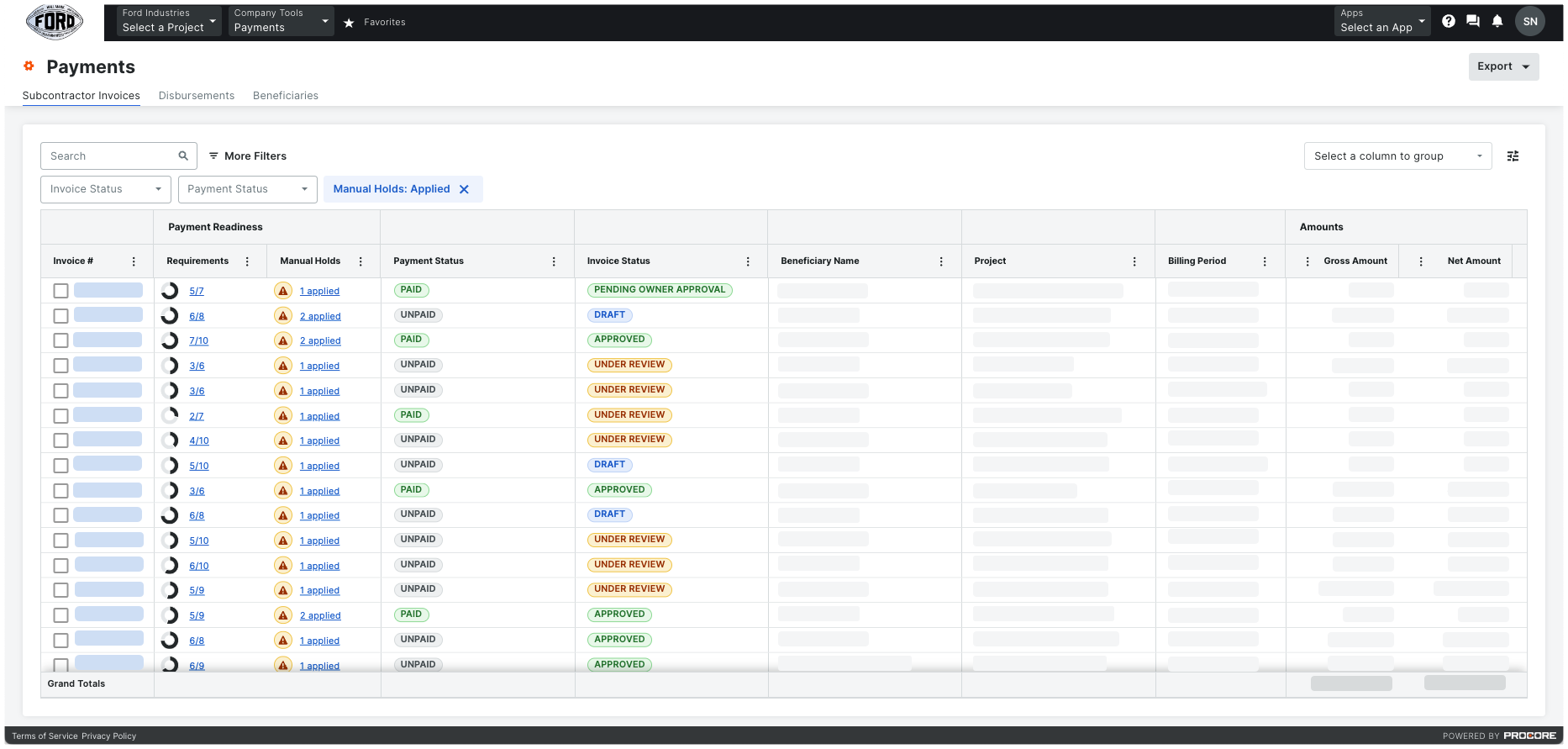
  • Subcontractor payment applications tab

  • Disbursements tab

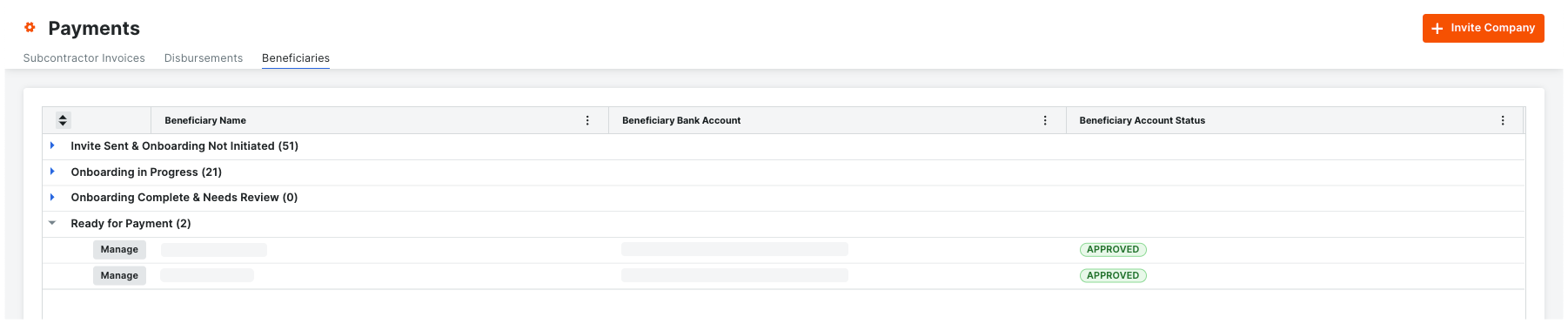
  • Beneficiaries tab

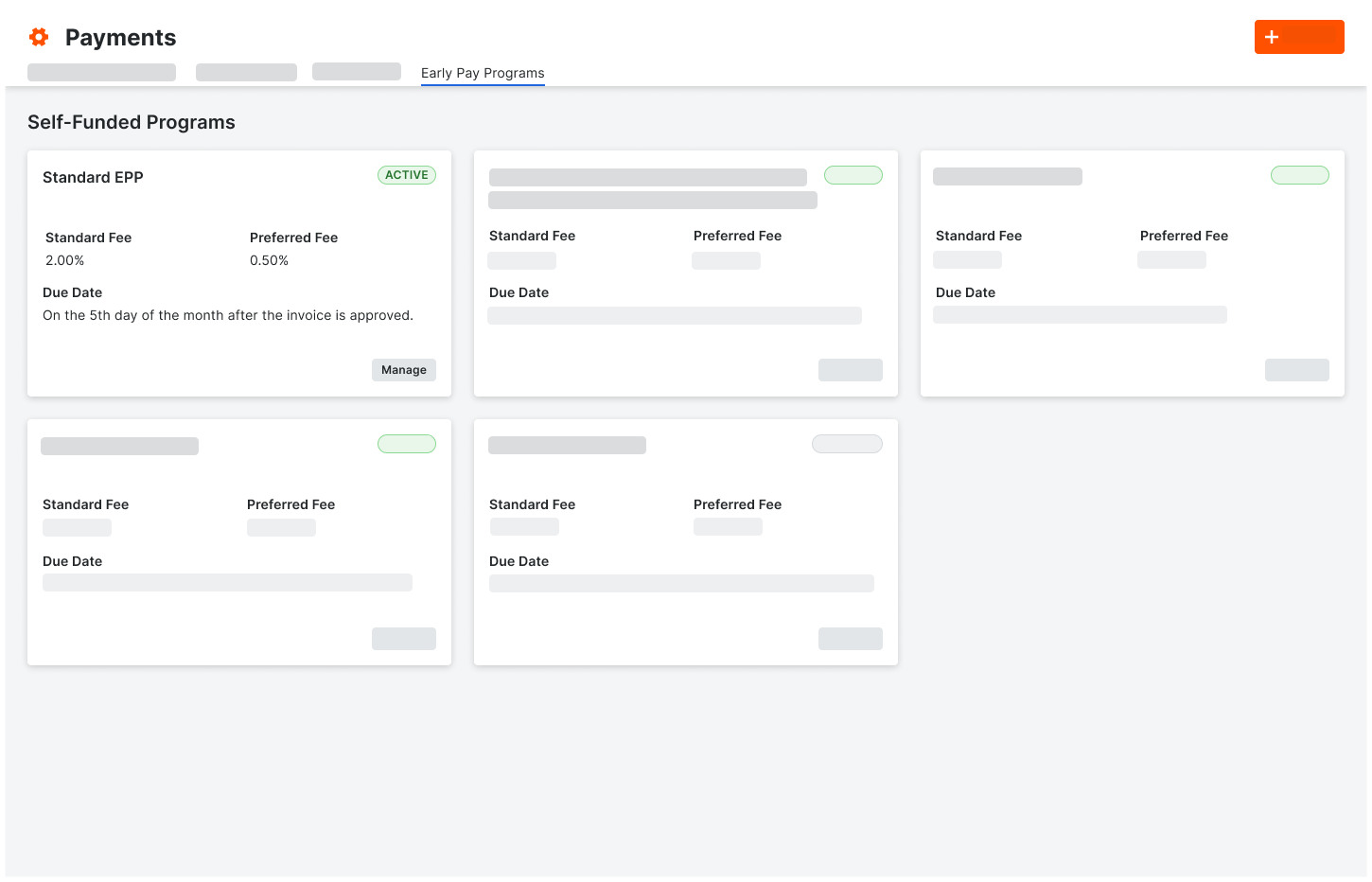
  • Beta early pay programme tab

Payment setting page

Users with the required user permissions can click the Configure settings Icons Settings Gear icon to open the Payment settings page. This page has two tabs: Payment processing & Payment requirements. Each tab contains all the settings you need to configure Procore Pay for your company's Procore account.
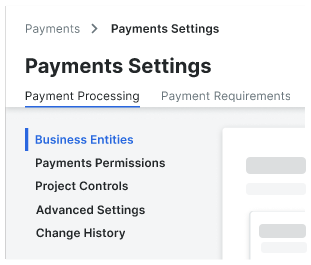
Payment Settings With Business Entities

To learn more, see About the payment settings.

Subcontractor payment applications tab

Procore administrators, payment admins and disbursers can use the table in the Subcontractor payment applications tab to view a list of all the payment applications on the active, Pay-enabled projects in your company's Procore account. From this tab, payment disbursers or payment admins can track your payment requirements, view any manual holds applied to the payment application and click links to launch the payment application in the payment application management tools. For each payment application, you can also view the beneficiary name, project, payment requirements and other billing information. You can also search the data table for a specific payment application, apply filters and group line items. Only payment disbursers can create disbursements.

To learn more, see About the subcontractor payment applications tab in the payment tool.

Disbursements tab

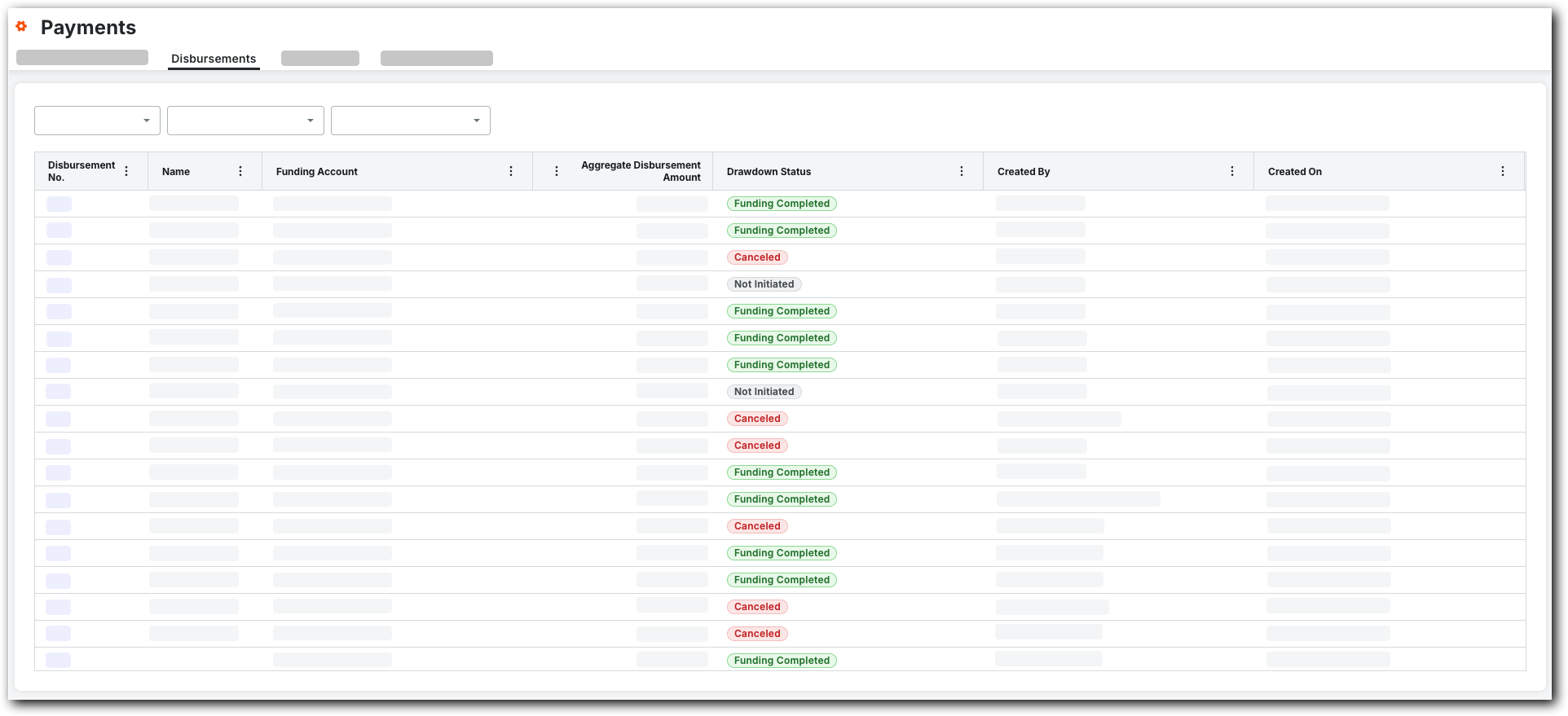
Payment admins or payment disbursers use the options in the Disbursements tab to create and manage disbursements. On this tab, you can apply filters to the table to narrow down the disbursements to show only those that meet your criteria in the list. The table also provides important information about each disbursement, such as the Disbursement No. (which is assigned to the disbursement at creation), the bank account used to fund the disbursement, the amount of the disbursement and the date and time it was created. To view a disbursement in more detail, click its Disbursement No. link.

Payments Disbursements Tab

To learn more, see About the disbursements tab in the payment tool.

Beneficiaries tab

Payment admins can view all the beneficiaries grouped by onboarding status. Beneficiaries are the payees—contractors, subcontractors, vendors—who will be paid for payment application work. Payment admins must also review and approve new payees and any new bank accounts that payees add.

Tab Beneficiaries

To learn more, see About the beneficiaries tab in the payment tool.

Beta early pay programme tab

Payment admins can manage the early pay programme in-house, using the early pay programmes tab in the Company level Payment tool. See About early pay programmes.

Tab Early Pay Programs

To learn more, see About the early pay programme tab in the payment tool.

See Also

Loading related articles...