Retrieve a submittal from the recycle bin
Background
After you delete a submittal (see Delete a submittal), Procore removes the submittal from the submittal log and archives it in the tool's recycle bin. See What is Procore's recycle bin?
Things to Consider
Required User Permission:
'Admin' level permissions on the project's Submittals tool.
Prerequisites:
The submittal that you want to retrieve must be in the recycle bin. See Delete a submittal.
Limitations:
To give project team the ability to restore any deleted item, the recycle bin cannot be emptied.
Additional Information:
If you want to retrieve a batch of submittal from the recycle bin, see Use bulk actions > retrieve in the submittal tool.
Steps
Navigate to the project's submittal tool.
Click recycle bin.
This reveals the recycle bin page.
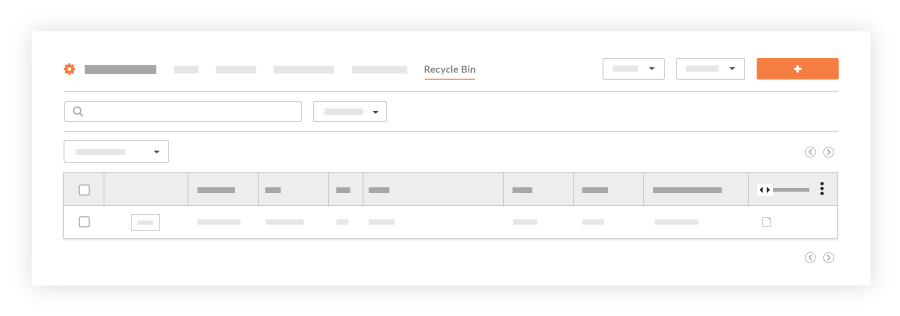
Locate the desired submittal in the list and click View.
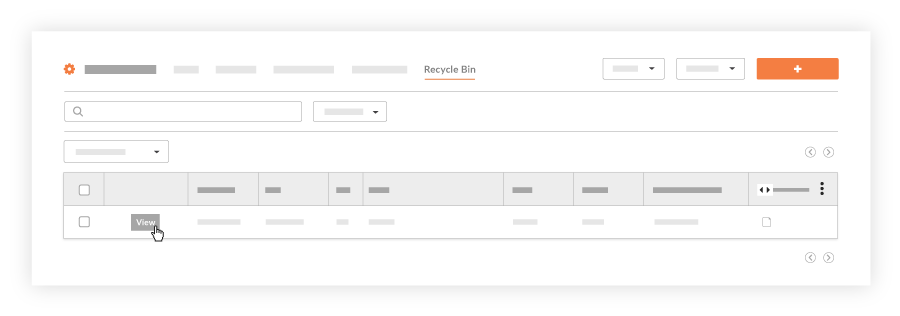
This reveals the recycled submittal in view mode.Click Retrieve.
A banner confirms that the submittal has been restored from the recycle bin.
See Also
Loading related articles...