View a Timesheet Entry Signature
Things to Consider
When a signed timecard entry is edited, the signature is removed. The employee must re-sign the edited entry.
Prerequisites
A timecard entry on a timesheet must first be signed on a mobile device.
Steps
Navigate to the project's Timesheets tool.
Select a date or date range.
Note: To see all timesheets, leave the date field blank.Locate the timesheet with the signature you want to view.
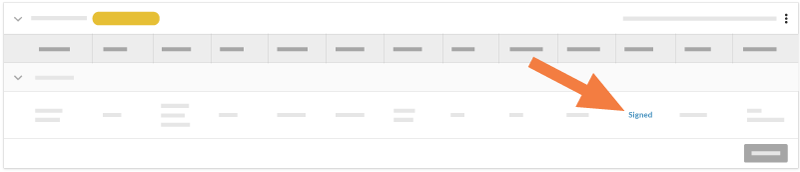
On the timesheet, find the timecard entry with the signature you want to view.
Click Signed to view the signature.
See Also
Loading related articles...