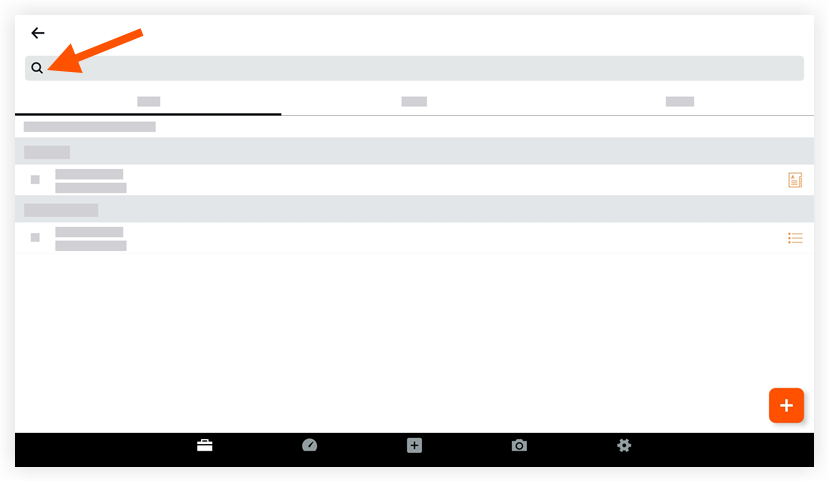
Search for a Meeting (Android)
Things to Consider
Required User Permissions:
'Read Only' level permissions or higher on the project's Meetings tool.
Additional Information:
When NO grouping options are applied, you can search for information in the following fields:Location
Overview
Meeting Title/Name
Date
Series
Note
When grouped by 'Series', only the 'Meeting Series Title' can be searched
Use Procore Search to search for the following fields:
Minutes
Meeting Item Title
Meeting Item Description
Este activo o ítem se puede ver o editar en modo sin conexión si se vio y almacenó en caché previamente en su dispositivo móvil. Las tareas realizadas en modo fuera de línea se sincronizan con Procore una vez que se restablece la conexión de red.