Search Contextually within Specifications (iOS)
Things to Consider
Required User Permissions: 'Read Only' level permissions or higher on the project's Specifications tool.
Este activo o ítem se puede ver o editar en modo sin conexión si se vio y almacenó en caché previamente en su dispositivo móvil. Las tareas realizadas en modo fuera de línea se sincronizan con Procore una vez que se restablece la conexión de red.
Steps
Navigate to the project's Specifications tool using the Procore app on an iOS mobile device.
Tap the division under which you would like to view sections.
Tap the specification section you wish to view.
Tap the magnifying glass icon.
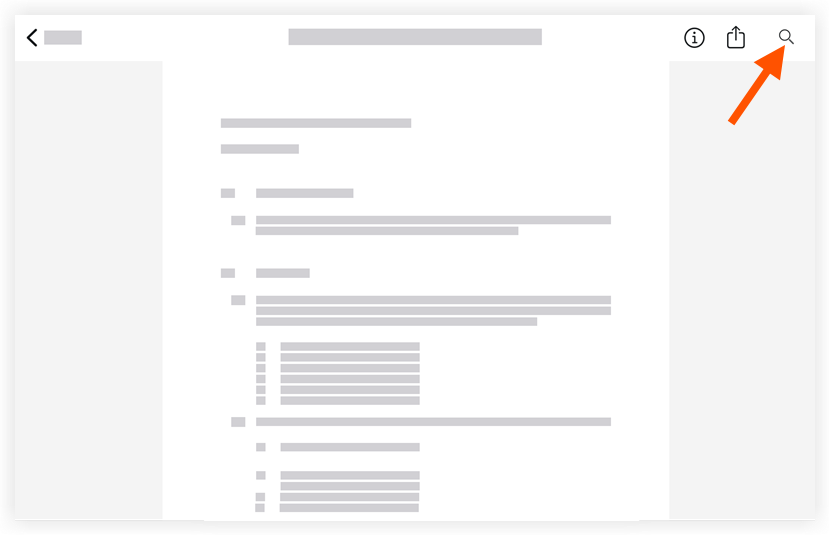
Type in key word(s) to search the spec section for.
Note: The word or phrase you entered with be highlighted in yellow.Tap the search results to be taken to the page the key word or phrase appears.
Click the X in the search bar to close the search.
See Also
Loading related articles...