Create a Punch Item Template Category at the Company Level
Antecedentes
Las categorías se utilizan para agrupar las plantillas de elemento de lista de repasos en juegos. Por ejemplo, puede organizar plantillas específicas en categorías independientes para hormigón, mampostería, metales, etc.
Things to Consider
Required User Permissions:
'Admin' level permissions on the Company level Admin tool.
Additional Information:
Categories created at the company level are also visible and available in the Project level Admin tool.
Note: In the Project level Admin tool, a key icon appears next to any categories that were created at the company level.Categories created at the project level are specific to that project. They are NOT visible or available in the company's Admin tool. See Create a Punch Item Template Category at the Project Level.
You can also add a punch list template at the project level. See Create a Project Level Punch Item Template.
Pasos
Vaya a la herramienta Administrador de nivel de empresa.
En "Configuración de herramientas", haga clic en Lista de repasos.
Haga clic en Crear categoría.
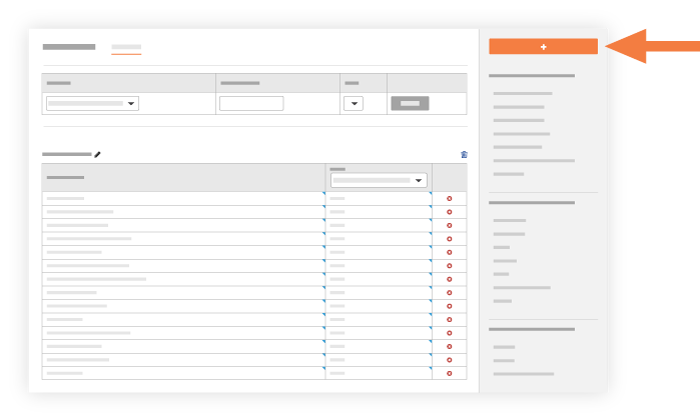
Introduzca la siguiente información:
Nombre Introduzca el título de la categoría que desee crear.
Crear Haga clic para crear la nueva categoría. El sistema añade la nueva categoría al final de la página Configuración de la plantilla de elemento de lista de repasos.

See Also
Loading related articles...