Edit a Purchase Order (Android)
Things to Consider
Required User Permissions:
To edit a purchase order or subcontract:
'Admin' level permissions on the project's Commitments tool.
Additional Information:
Este activo o elemento se puede ver o editar en modo sin conexión si se ha visto y almacenado en caché en un dispositivo móvil. Las Tareas realizadas en modo sin conexión se sincronizan con Procore una vez que se restablece la conexión de red.
Prerequisites
Steps
Navigate to the Commitments tool using the Procore app on an Android mobile device.
Tap the Purchase Order you want to edit.
Tap the Edit icon.
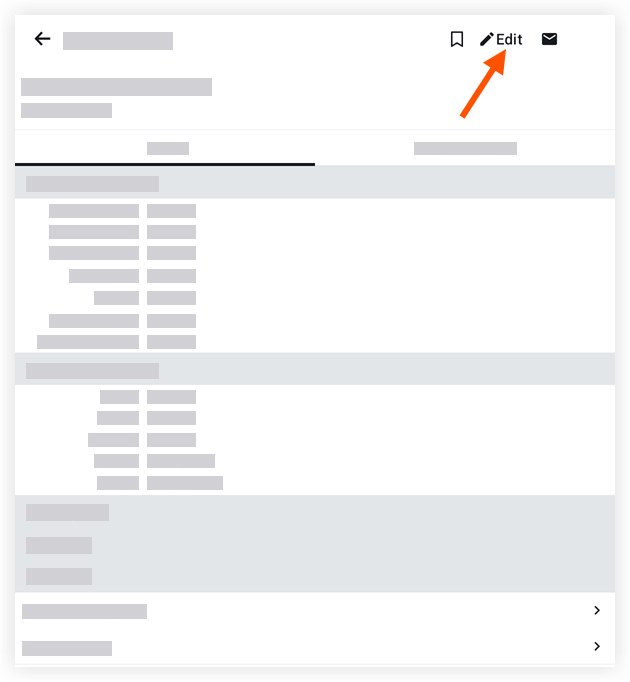
Tap into a field to edit the relevant information. To learn about the fields you can edit, see Create a Purchase Order (Android).
Tap Save.
See Also
Loading related articles...