Download a File from the Company Level Documents Tool (iOS)
Background
You can download files from the Company Documents tool so that they can be accessed in Procore in offline mode.
Things to Consider
Este activo o elemento se puede ver o editar en modo sin conexión si se ha visto y almacenado en caché en un dispositivo móvil. Las Tareas realizadas en modo sin conexión se sincronizan con Procore una vez que se restablece la conexión de red.
Steps
Open the Procore app on an iOS mobile device.
Tap your avatar and navigate to the Sidebar screen.

Tap Company Documents.
Navigate to the file you want to download.
Tap the download icon next to the file.
Note: This action will automatically download the file to your Procore app and make it accessible offline.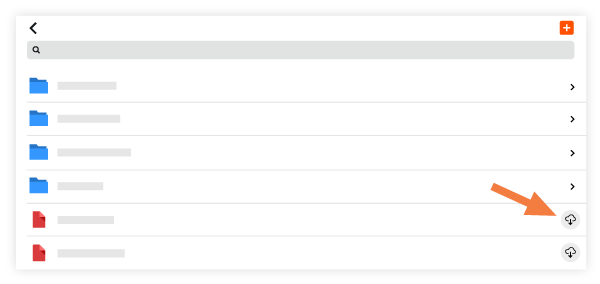
See Also
Loading related articles...