Search for and Filter Directory Contacts (Android)
Things to Consider
The 'Companies' tab only shows companies that have users associated with them.
Este activo o elemento se puede ver o editar en modo sin conexión si se ha visto y almacenado en caché en un dispositivo móvil. Las Tareas realizadas en modo sin conexión se sincronizan con Procore una vez que se restablece la conexión de red.
Steps
Search for Directory Contacts
Navigate to the Project level Directory from your Android mobile device.
Tap the Search
 icon.
icon.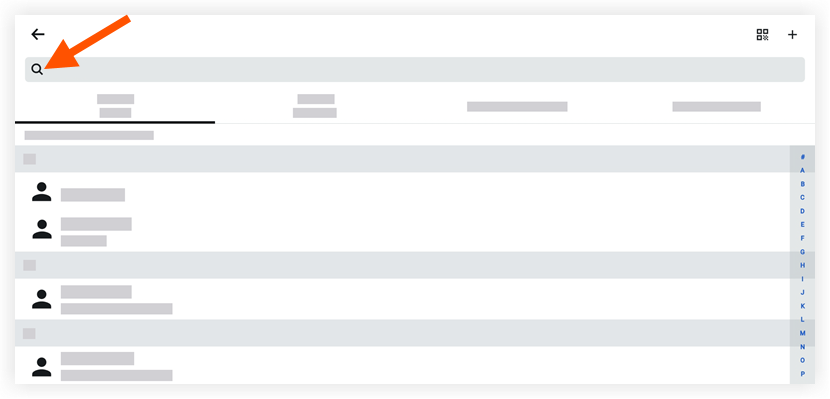
Enter a name or keyword into the search bar.
Tap a contact to view more details.
Filter Directory Contacts
Navigate to the Project level Directory tool from your Android mobile device.
Tap one of the following tabs to filter the directory's contacts alphabetically by the following:
Contact Name (default)
Contact Company
Companies/Vendors
Company Directory
Tap a contact to view more details.
See Also
Loading related articles...