Export a Timecards Report
Things to Consider
Supported Export File Formats:
Portable Document File (.pdf)
Comma Separated Values (.csv)
Intuit Interchange Format (.iif) (If enabled with Timesheets tool)
Steps
Navigate to the company's Timecard tool.
Click Reports.
Click Timecard Report.
Click Export.
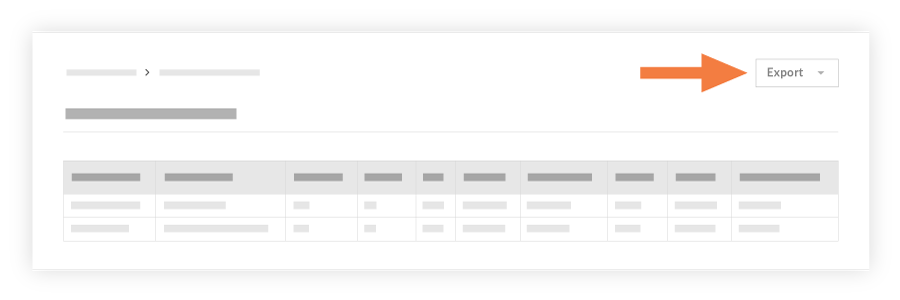
Choose one of the following options:
PDF to export the report in a PDF format.
CSV to export the report in a comma-separated values file.
Quickbooks to export the report in an IIF file.
See Also
Loading related articles...