View a Crew
Contexte
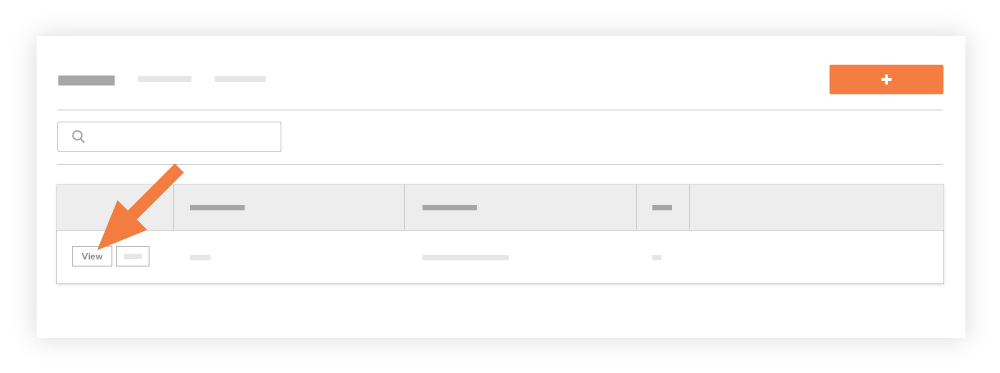
Après avoir créé une équipe, vous pouvez utiliser les étapes ci-dessous pour afficher des informations à son sujet.
Éléments à prendre en compte
Permissions d’utilisateur requises :
Permissions de niveau « Lecture seule » ou supérieures sur l’outil Équipes du projet.
Note
To see workers added to a specific project:
'Read Only' level permissions or higher on the project's Crews tool.
OR'Standard' level permissions or higher on the project's Crews tool AND 'Read Only or 'Standard' level permissions on the project's Directory tool with the 'Create Contacts' granular permission enabled on your permission template.
To see all workers across all projects, 'Standard' level permissions or higher on the project's Crews tool, 'Read Only' or above on the Company Directory tool, and the configure setting "Can company employees be tracked on all projects?" enabled in the Company level Timesheets tool.