View Drawing Area (iOS)
Bêta - Mise en page multi-colonnes pour iPad
A new two and three-column layout is now available for iPads, making it easier to navigate different tools. Tap the menu icon to show and hide the menu.
A new two and three-column layout is now available for iPads, making it easier to navigate different tools. Tap the menu icon to show and hide the menu.
Required User Permissions:
'Read Only' level permissions or higher on the project's Drawings tool.
Additional Information:
In order to see the Areas button, 'Drawings by Area' must be enabled for the project. See Enable or Disable Drawing Area and Add Drawing Area.
Open the Procore app on an iOS mobile device.
Tap the project's Drawings tool.
Tap Areas.
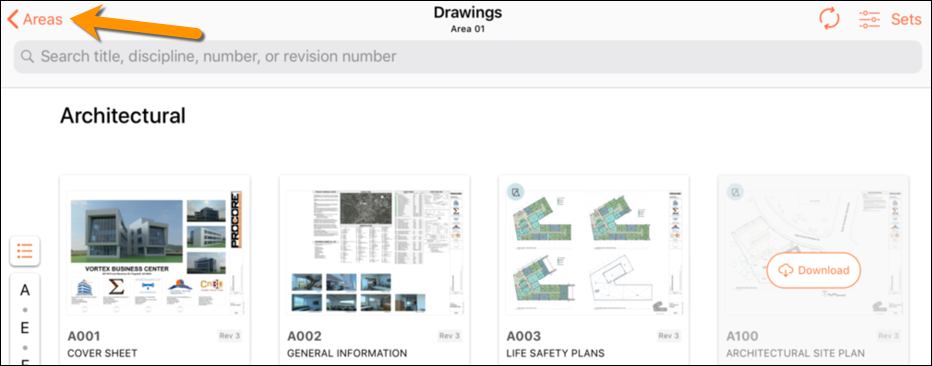
Tap the area you want to view.
Note: After you select an area, you will only see drawings within that area.
Loading related articles...