View My Time Entries (iOS)
Things to Consider
My Time entries on a mobile device will be logged as a time entry in the Daily Log, Company Timecard, and if Timesheets is enabled, Project and Company Timesheets tools.
Cet actif ou item peut être visualisé ou modifié en mode hors connexion s’il a été précédemment visualisé et mis en cache sur votre appareil mobile. Les tâches effectuées en mode hors ligne sont synchronisées avec Procore une fois la connexion réseau rétablie.
Prerequisites
To see My Time as an option on your project, you must be marked as an employee of your company. See How do I add someone as an employee of my company?
Steps
Navigate to the My Time tool using the Procore app on an iOS mobile device.
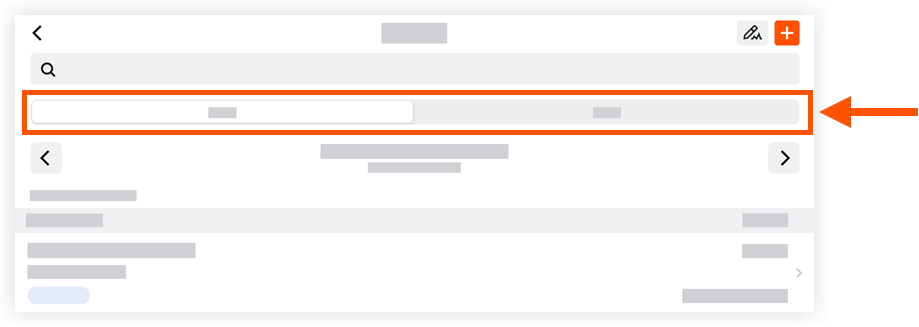
Tap one of the following tabs:
Day: This view displays your My Time entries for the date selected.
Work Week: This view displays your My Time entries for the work week selected.
Locate and tap a time entry to view more details.
See Also
Loading related articles...