Générer et imprimer des codes QR pour les lieux
Background
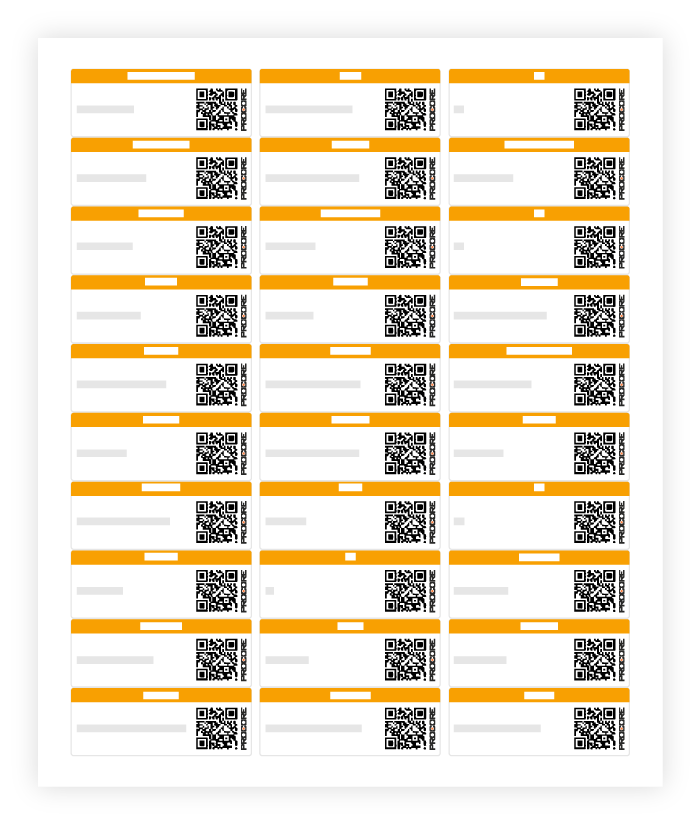
You can generate and print a QR Code for a location. In Procore, a Location QR Code is a two-dimensional, machine-readable barcode that contains information about the location to which it is attached.
Users in the field can scan the QR code using the Procore Mobile App to either filter by the location identified in the QR code or create an item in Procore with that location linked.
Éléments à prendre en compte
Autorisations utilisateur requises :
Autorisations de niveau « Admin » dans l’outil Admin au niveau projet.
OUAutorisations de niveau « Lecture seule » ou « Standard » avec l’autorisation granulaire « Gérer les lieux » activée dans l’outil Admin du projet. Voir Accorder des autorisations granulaires dans un modèle d’autorisation.
Formats d’impression compatibles :
Avery™ 6460
Important
Une application de scanner de code QR ne reconnaîtra pas ces codes QR. Vous devez scanner le code QR avec l’une des applications mobiles de Procore pour filtrer par lieu identifié dans le code QR ou créer un élément dans Procore avec ce lieu associé.