Edit a Purchase Order (Android)
Things to Consider
Required User Permissions:
To edit a purchase order or subcontract:
'Admin' level permissions on the project's Commitments tool.
Additional Information:
Cet actif ou élément peut être affiché ou modifié en mode hors connexion s’il a été précédemment affiché et mis en cache sur votre appareil mobile. Les tâches effectuées en mode hors ligne sont synchronisées avec Procore une fois la connexion réseau rétablie.
Prerequisites
Steps
Navigate to the Commitments tool using the Procore app on an Android mobile device.
Tap the Purchase Order you want to edit.
Tap the Edit icon.
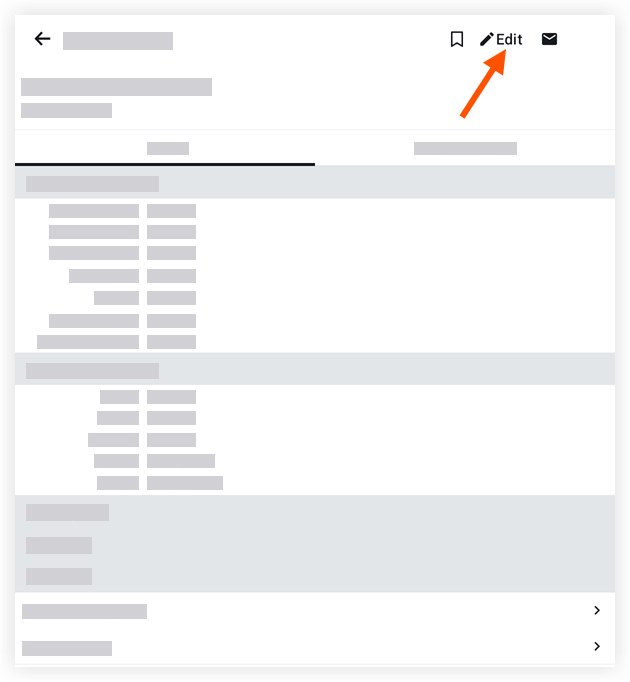
Tap into a field to edit the relevant information. To learn about the fields you can edit, see Create a Purchase Order (Android).
Tap Save.
See Also
Loading related articles...